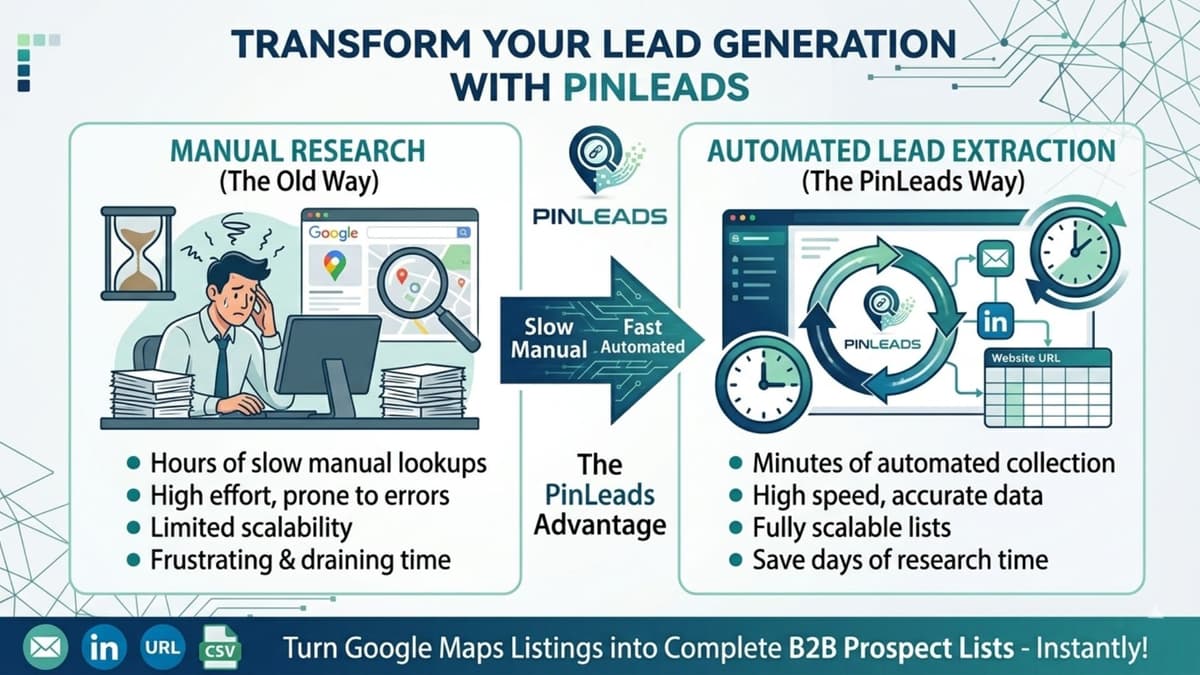
How to Use PinLeads
Watch the demo video to see how simple it is to generate leads
Full demo showing Query Search → PinLeads Extraction → Results Display → CSV Export
Step-by-Step Instructions
- Type your search query directly in PinLeads (e.g., "plumbers in Texas")
- Click "Extracts" to start the extraction process
- Watch results appear in real-time as businesses are found
- Filter results by rating, review count, or contact fields
- Export to CSV when complete for easy import into your CRM
Ready to get started?
Automate your lead generation today.